Team’Up web
Prepare lists and groups comfortably on a larger screen.
Open the web app
Team’Up
Organise people, create thoughtful groups and keep your lists and history on both devices with the same account.
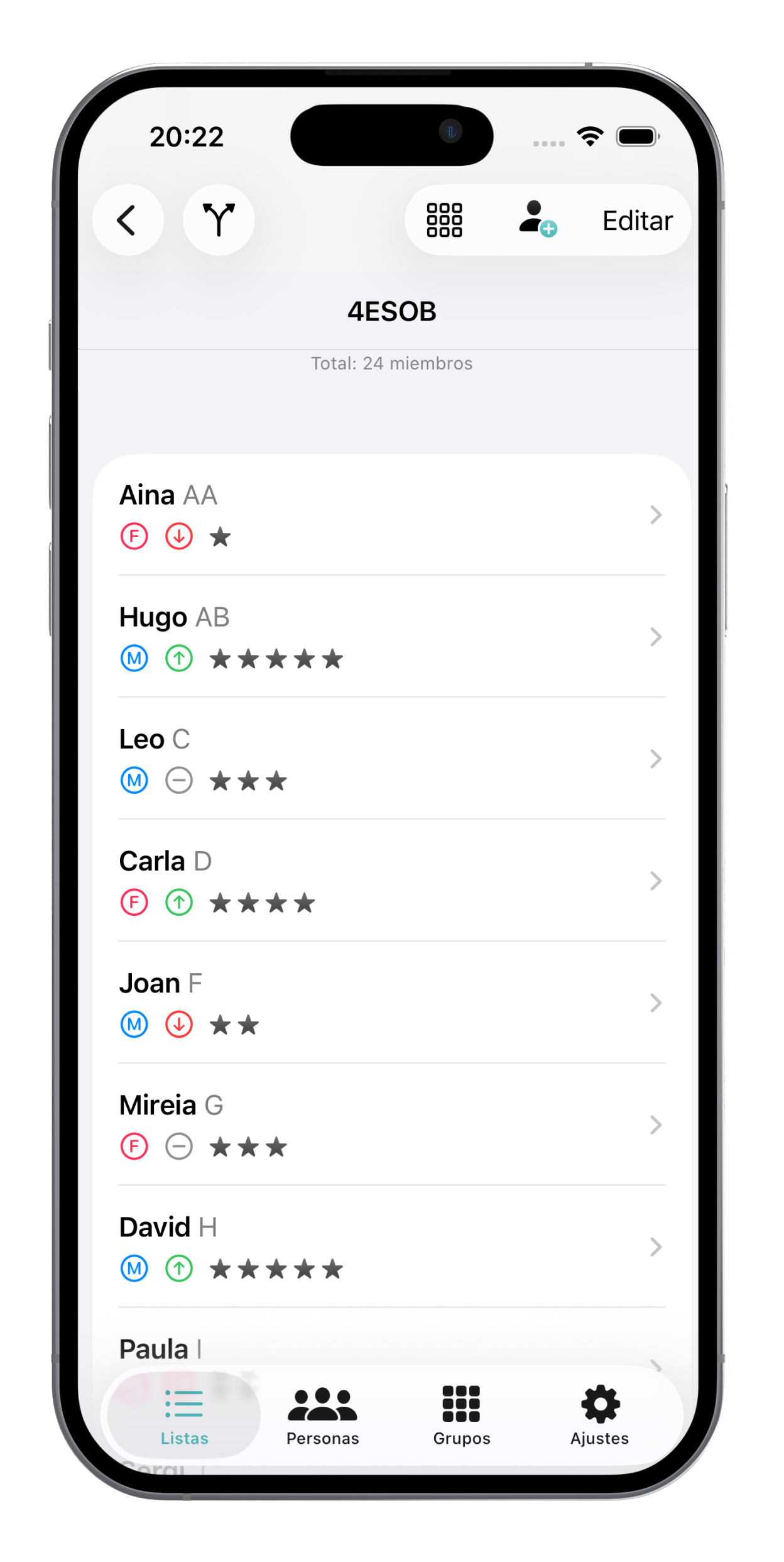
Sign in with the same account on the web or your iPhone. Your people, lists and groups are there on both.
Prepare lists and groups comfortably on a larger screen.
Open the web appTake your teams with you and check your groups whenever you need them.
Download on the App StoreA class, a workshop or a work team: simply splitting up names is not always enough. Team’Up turns each group’s real needs into a proposal you can review, adjust and save. It is one project with two ways to work: the website and iPhone app share your account, people, lists and history.
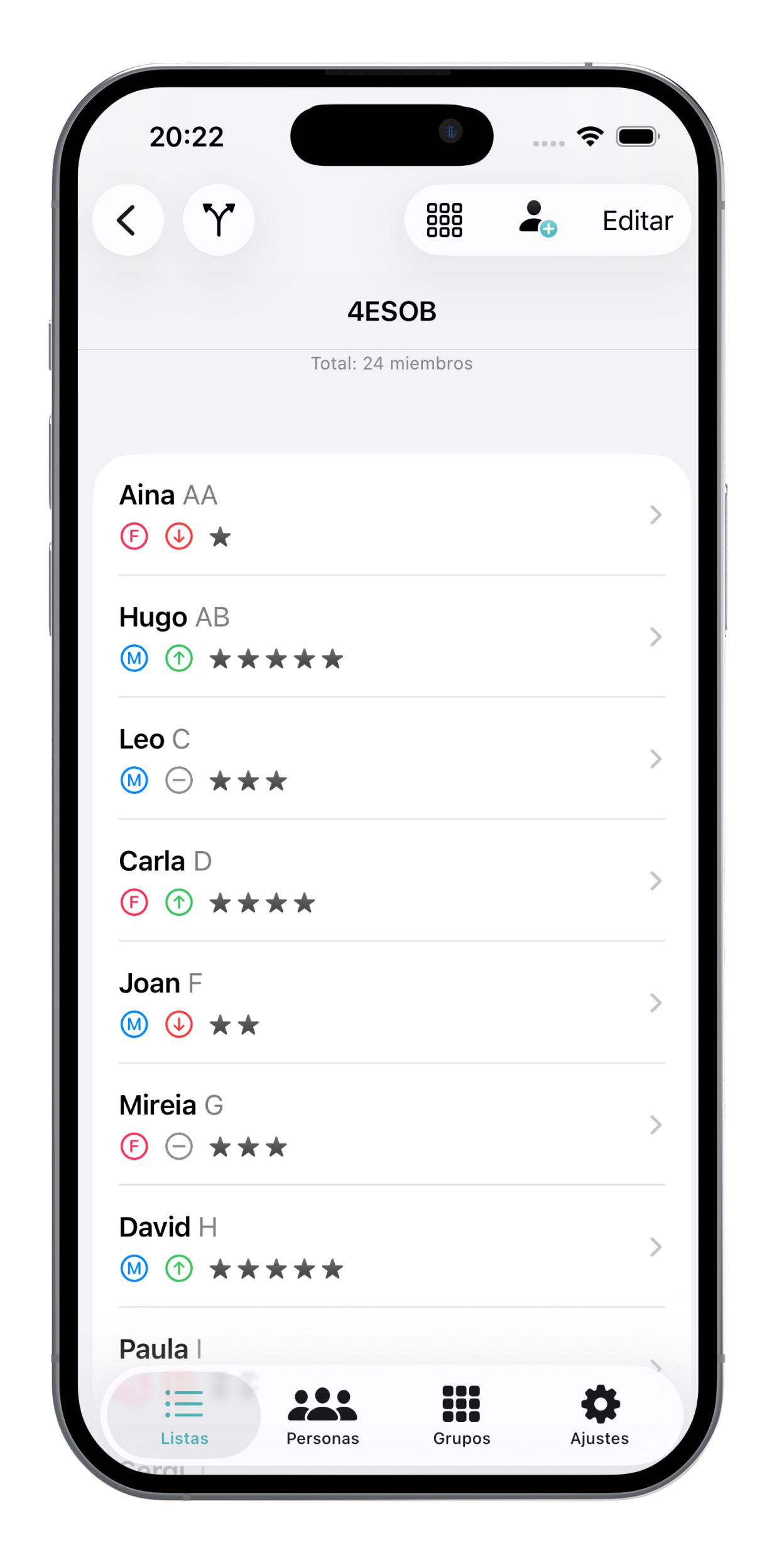
Organise people into lists and define compatibility, abilities and support needs. Each list keeps its own context.
Decide what matters in each grouping: affinities, incompatibilities, balanced abilities or willingness to help. Review the proposal and move people when needed.
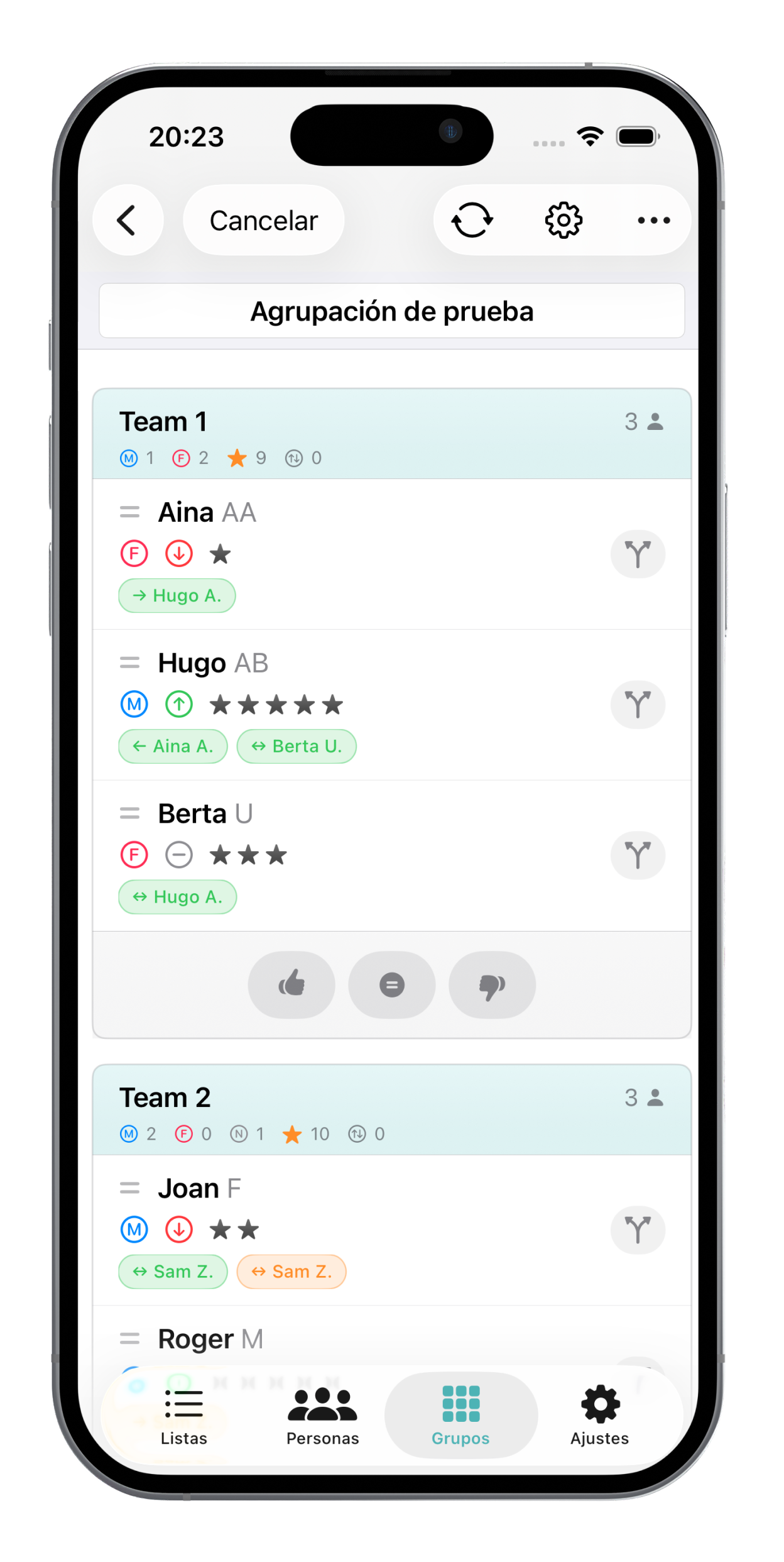
Keep a history of groups and comments on their results. A foundation for planning the next activity with more context.